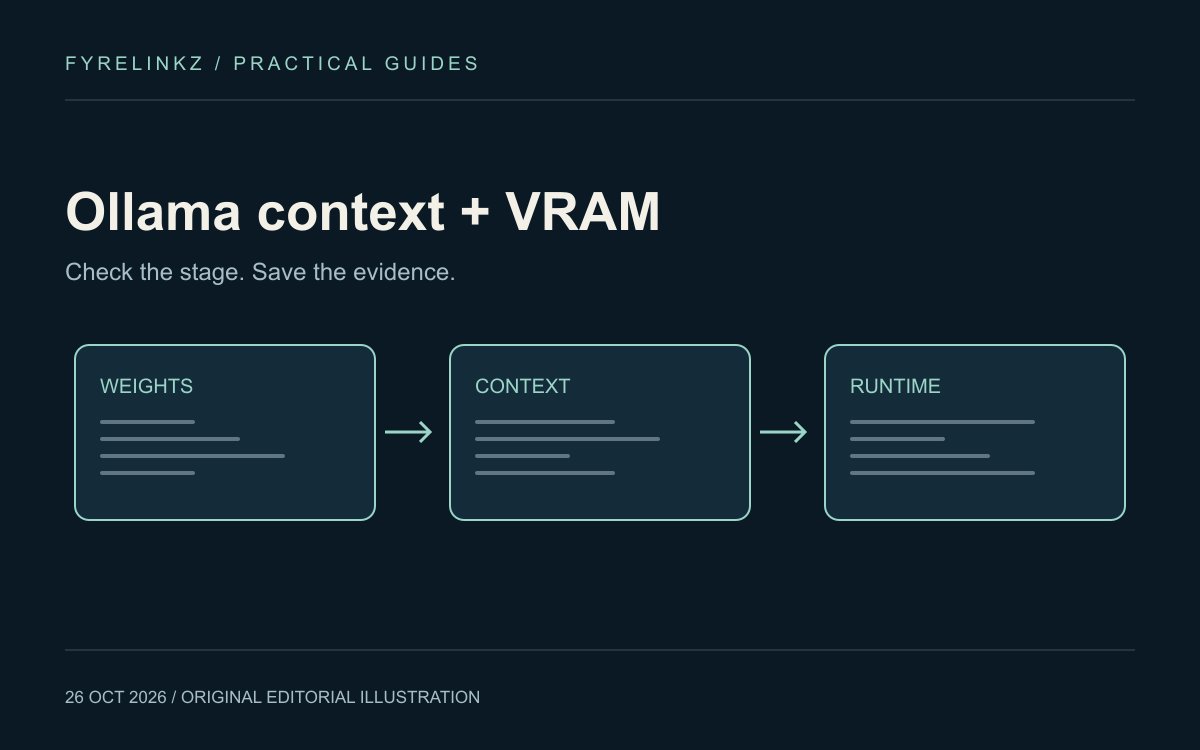
Model capability and allocated context differ
Ollama defines context length as the tokens a model can access in memory and documents that larger context requires more memory. Its current defaults vary by VRAM tier. Check the value on your own running model rather than assuming every installation uses a fixed default quoted by an older tutorial.
Read ollama ps before diagnosing speed
With a model running, execute ollama ps. Ollama documents PROCESSOR and CONTEXT as the columns for checking offload and allocated context. Save the model name and those columns with your configuration. This observation is a useful starting point; it does not prove that context is the only bottleneck.
| Observation | Next experiment | What it can establish |
|---|---|---|
| CPU/GPU split | Try the same task with a smaller context | Whether the split changes under that setting |
| 100% GPU but slow first request | Separate initial loading from a repeated request | Whether cold loading explains part of the wait |
| Works alone, slows under load | Reduce simultaneous requests or loaded models | Whether resource contention is involved |
| Answer misses document details | Check retrieval and actual input content | Whether the required evidence reached the model |
Change context through the supported control
The official page documents an app settings slider and the OLLAMA_CONTEXT_LENGTH environment variable for the server. Its example uses Unix shell syntax; on Windows, configure the variable for the Ollama process using the documented platform procedure and restart the relevant app or server. Do not launch a second server over an existing instance and assume the running one received your new setting. Verify the actual CONTEXT afterwards.
A two-setting comparison you can reproduce
Choose a short task with a written correctness check. Run it at your current context, save the output and processor split, then repeat at a lower supported context while keeping the same model and task. Record cold and warm timings separately and repeat warm requests. Next use a longer task that actually needs additional context. A smaller setting that truncates necessary evidence is not an improvement, even if its response arrives sooner. No timing result is claimed here.
Concurrent requests change the memory question
Ollama's FAQ explains that parallel requests increase context-related memory allocation. Its example combines a 2K context with four parallel requests to illustrate an 8K effective allocation. A model that fits one chat therefore does not establish capacity for a group of users. Limit test concurrency, observe actual memory and add load gradually instead of estimating user capacity from download size.
Keep quality and latency on the same sheet
Use the memory troubleshooting log to record model tag, runtime version, context, concurrent work, processor split, timing and whether the answer passed. Keep exact prompt contents private if they include confidential material. A locally running model also needs a suitable retention and access policy for prompts or logs stored by surrounding apps. Local inference alone does not describe every connected service.
When the laptop remains the constraint
If the required task needs more context than your machine can handle usefully, try a smaller compatible model, retrieve fewer relevant passages or evaluate another deployment. The RTX 4050 guide explains why 6GB is a capacity constraint rather than a speed promise. The local versus cloud worksheet helps compare reviewed outcomes. Keep a larger model's quality benefit separate from its memory and operating costs.
Frequently asked questions
How can I check Ollama's actual context and GPU use?
Run ollama ps while a model is loaded and inspect the CONTEXT and PROCESSOR columns.
Does increasing context use more VRAM?
Ollama documents that increasing context requires more memory. The final CPU/GPU allocation also depends on the model and running workload.
Why did a context setting change not take effect?
Check that the intended app or server process received the setting, restart it through the documented procedure and verify the allocated value with ollama ps.
Can one successful chat prove simultaneous-user capacity?
No. Concurrent requests can increase memory requirements; assess the intended workload under controlled load.
Sources & further reading
Primary sources checked Oct 26, 2026. Vendor statements are attributed; editorial advice is our own.
- 1
- 2
Help us keep this useful. Report a factual correction →