Start with the complete error report
ComfyUI's official troubleshooting guide recommends opening Show report, checking model files and investigating custom nodes. It also recommends reducing resolution or batch size and closing other GPU workloads for memory-related failures. These are documented starting points, not evidence that your particular failure has one universal cause.
Identify the stage before choosing a fix
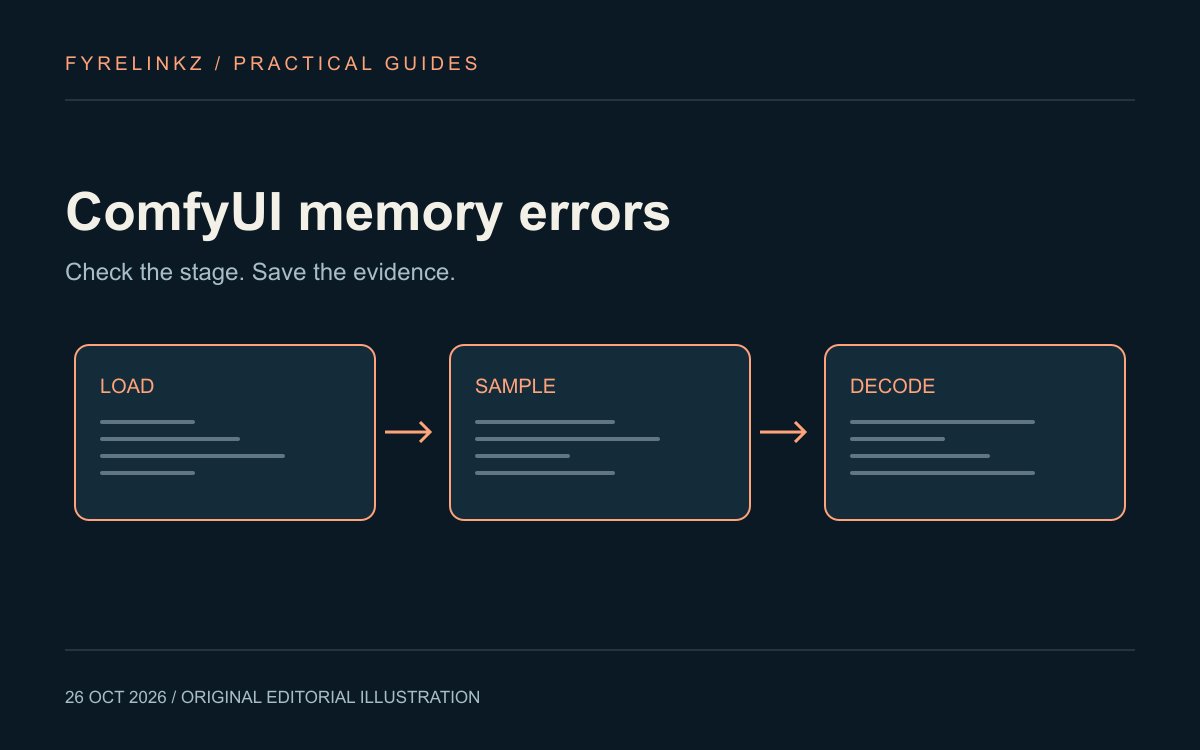
Record the failed node, the operation immediately before it and whether the workflow ever produced a latent result. A model-loading failure and a later decode failure need different experiments. A stage label narrows the next check; it does not by itself establish a memory leak or a faulty GPU.
| Where it fails | First controlled experiment | Keep in the log |
|---|---|---|
| Model loading | Retry a smaller, compatible official workflow after closing other GPU jobs | Exact checkpoint, precision, runtime and complete error |
| Sampling | Use batch size one and reduce image dimensions while keeping other settings fixed | Width, height, batch and active adapters |
| VAE decode | Test a documented tiled-decode option if that workflow supports it | VAE, tile setting and visible seams or quality changes |
| Whole system freezes | Inspect system RAM and disk pressure as well as VRAM | RAM use, free disk and operating-system event details |
Make one reversible change
Save a copy of the workflow before editing it. If batch size is above one, lower that first, then queue a single run. If it still fails, reduce dimensions while preserving the intended aspect ratio. Do not simultaneously replace the model, remove adapters and alter precision: a successful retry would leave you unsure what mattered. Keep the initial output and rejected attempts so you can judge whether a memory workaround also damaged the result.
Use low-memory controls for your installation
The official manual-installation guidance includes python main.py --lowvram and --preview-method none as memory-related options. Check your installed version's help and your installation's documented launcher before using flags. A portable Windows package or Desktop app is not the same launcher as a manual Python environment. The guide also notes trade-offs in caching and offloading; a successful load need not produce acceptable latency.
Separate custom-node failures from the baseline
A missing package, incompatible node or incorrect model path is not repaired by allocating more memory. ComfyUI publishes a separate custom-node troubleshooting process. Follow that process in a copy of your environment or workflow, then compare with a minimal supported example. Preserve the original configuration and note which extensions were active. Do not install an unrelated node pack merely because a forum post mentions the same error text.
Keep a useful troubleshooting record
Download our memory troubleshooting log. Fill in the exact error, failed stage, checkpoint, context or image dimensions, memory observations and the single change made. A blank log is an original resource, not a completed benchmark. If a smaller baseline works, add one required component at a time. If it does not, share the diagnostic record with the relevant project's support channel after removing private paths and sensitive information.
What to try before buying another GPU
Use the FLUX workflow checklist to check model components, then the GGUF versus Safetensors guide to verify format and loader compatibility. For language models, use the separate Ollama context guide. A card's advertised VRAM, a file's download size and the memory consumed by a complete running workflow are different measurements.
Frequently asked questions
What should I change first for ComfyUI CUDA out of memory?
Read the full error and identify the failed stage. Then try one controlled reduction such as batch size one or lower resolution, using a supported baseline workflow.
Does --lowvram guarantee a model will run?
No. It changes memory management, but the model, workflow, system RAM and installed runtime still constrain what can run and how quickly.
Is a VAE decode failure the same as a model-loading failure?
No. Record the failed stage and test a stage-appropriate change instead of assuming all memory failures have the same cause.
Are these fixes independently benchmarked on a 6GB GPU?
No. This is a documentation-based diagnostic guide and a blank log; it makes no measured GPU performance claim.
Sources & further reading
Primary sources checked Oct 26, 2026. Vendor statements are attributed; editorial advice is our own.
- 1
- 2
Help us keep this useful. Report a factual correction →