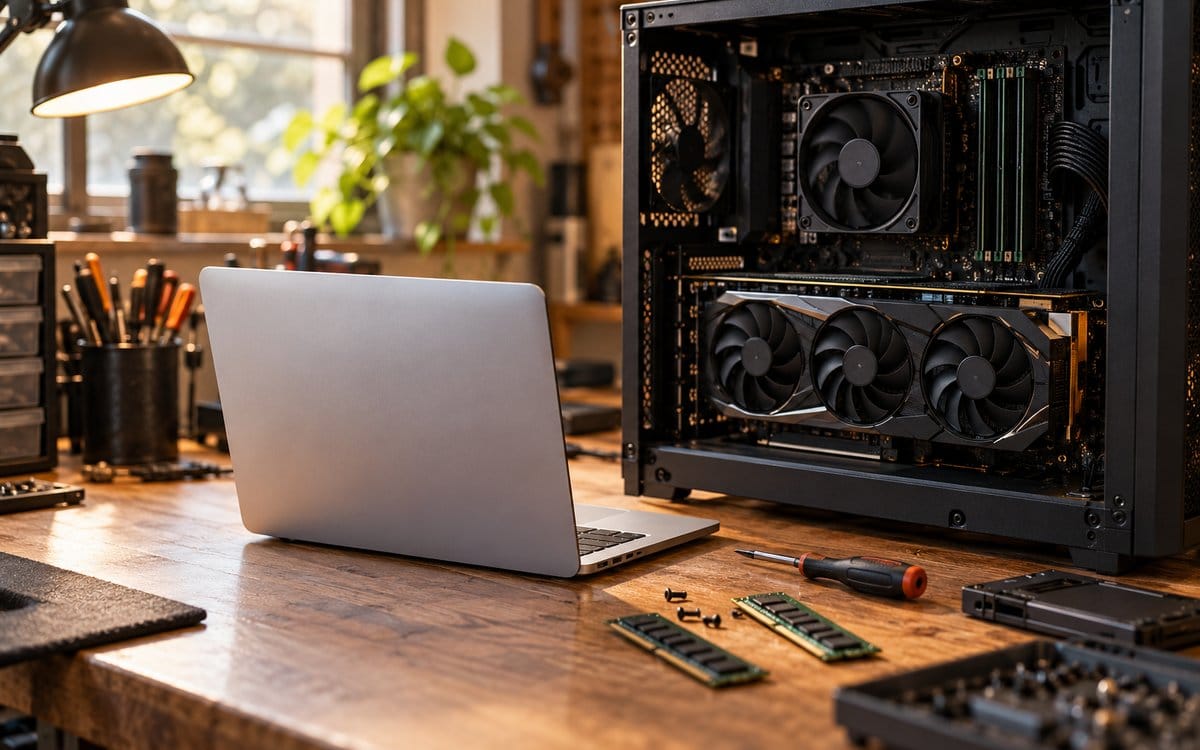
Unified memory vs VRAM for local AI: compare capacity and fit
Compare shared memory and discrete GPU VRAM for local AI without equating capacity with speed. Use a software, context and workload checklist before buying.
Less noise.
More making.
Putting together your next good read…
Plan a local AI workstation around your models, memory requirements and actual workload.
6 stories · Sources includedCompare desktop builds, upgrades, and laptops for your workload.
Compare shared memory and discrete GPU VRAM for local AI without equating capacity with speed. Use a software, context and workload checklist before buying.
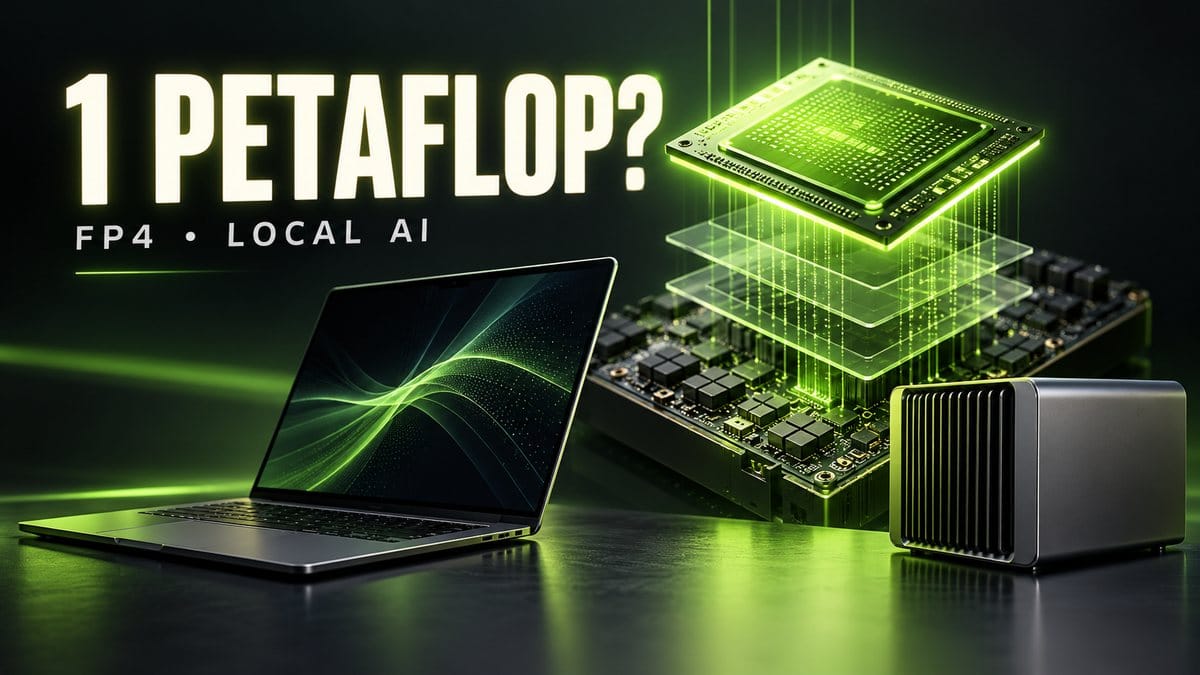
NVIDIA RTX Spark laptops are available. Understand the FP4 petaflop claim, unified memory and DGX Spark differences before buying a local AI computer.
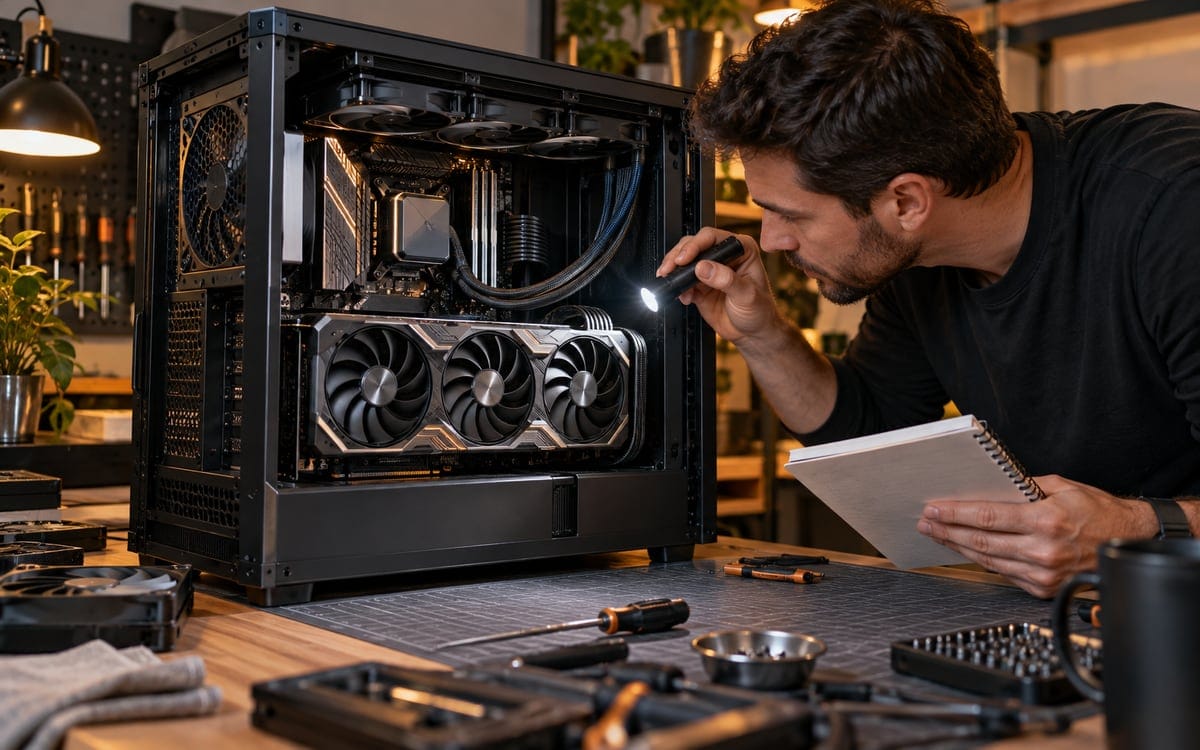
Plan a local AI PC from your models: how much VRAM you need, when offloading or a second GPU helps, and the full build cost to budget for.

Compare resolution, scaling, desk distance and everyday readability with your own editor and applications.
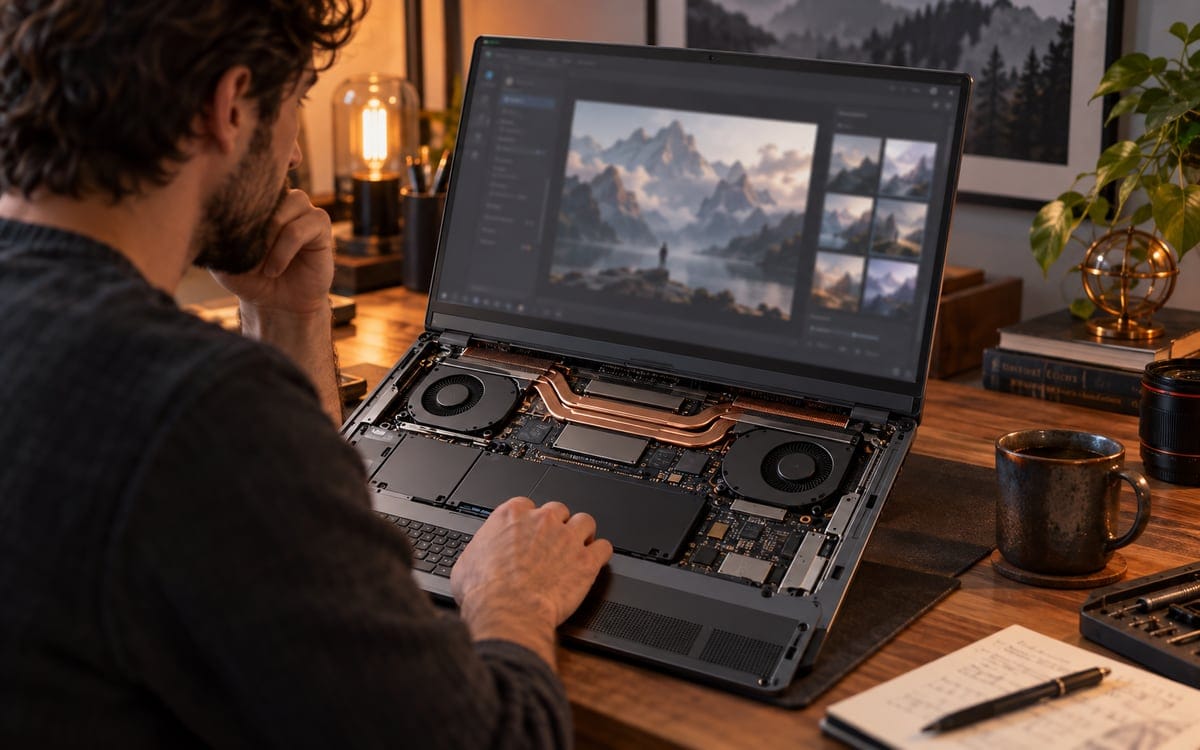
Usually, with a small quantized model. Set up Ollama on an RTX 4050 laptop, check GPU use with ollama ps, and see why a 4.9GB download may not fit 6GB.
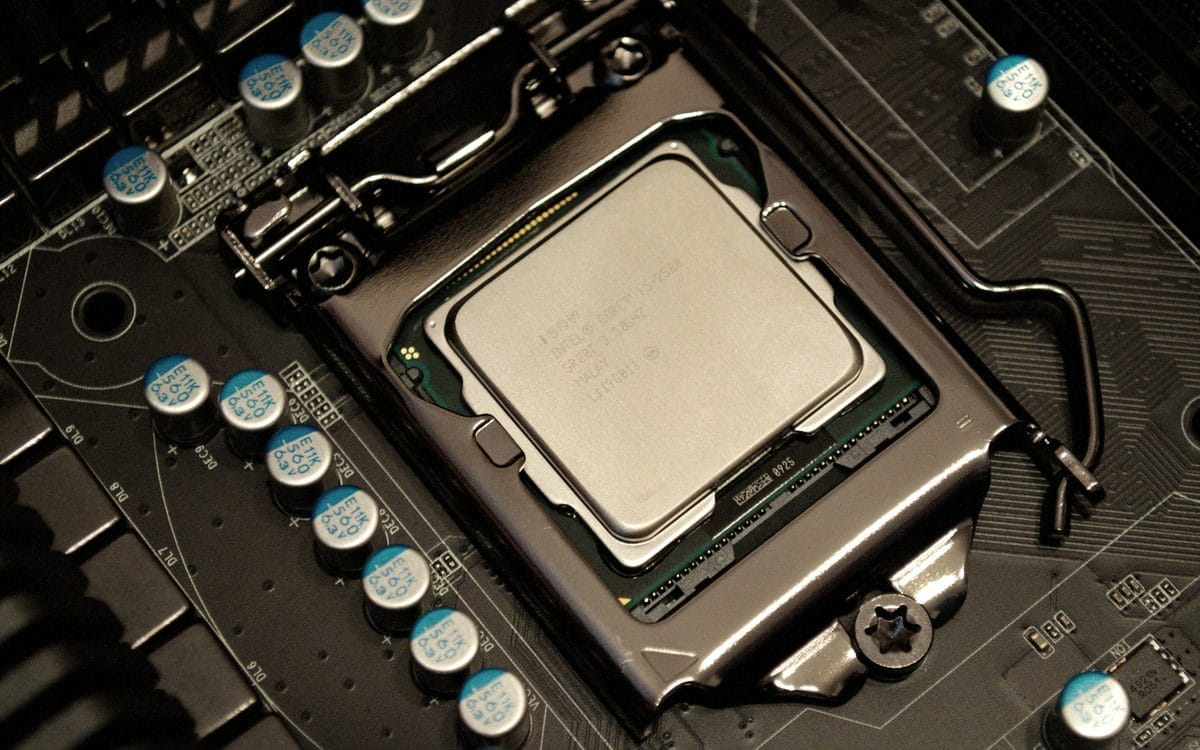
Compare a desktop upgrade, custom PC, laptop or workstation for local AI using workload, GPU memory, software support and total cost.